pacman, yay, paru, nix - can i have all in gopios or arch linux
pacman, yay, paru, nix - all can manage packages, lets deep dive.
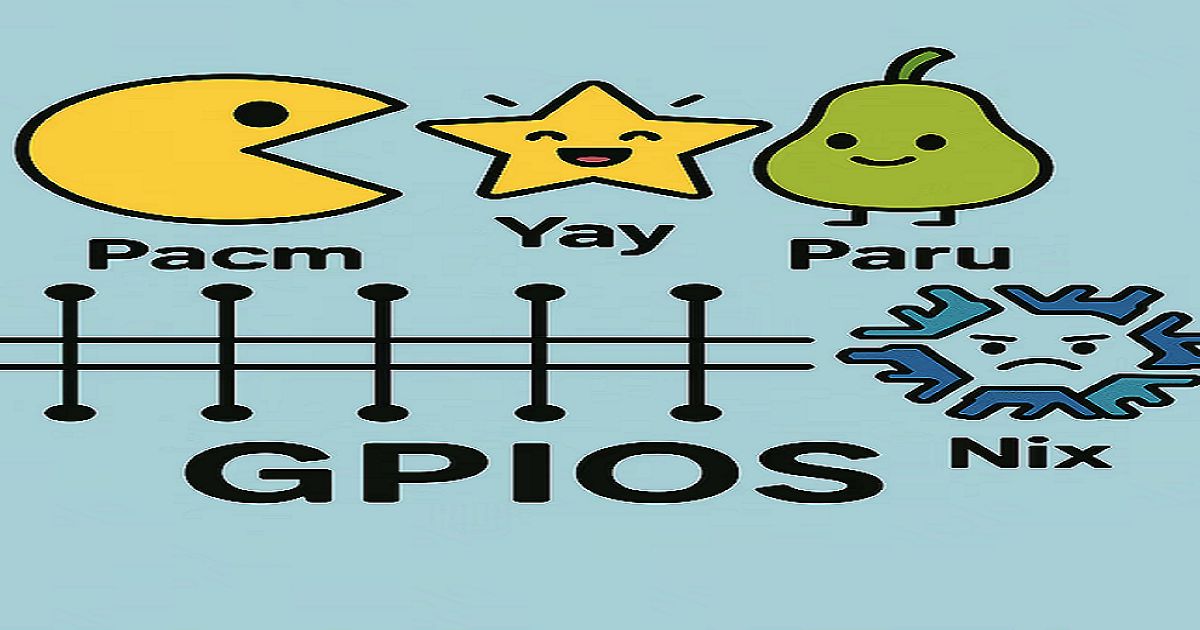
pacman - the default package manager for Arch linux and the disabled package manager for gopios.
lets try to know what pacman is and eventually we will get to know why it is disabled on gopios.
so intutive the name is package manager simply pacman.People think its only works on Arch Linux - not mandatory on linux i know it works on pacbsd, a discontinued bsd varient. so i can say pacman is powerfull and portable, so what is the issue: the issue is on “UNIX like os” so called linux (as os) and bsd varients is composed by packages. Any idea when you update all packages by “pacman -Syu” it not only updates software packages but every packages including the OS and down to the kernel, firmware, driver. for a normal computer user, or even a developer they want there applications to be updated Ex: chrome, vscode… on MAC or windows it is easy just update the software you need, the os update is handled separately.
thus i got the first issue
it treats os component as packages (if anything fails the whole system goes down)
make a note here: the issue is for “Unix like os” GOPIos is going to fix this
pacman the name is intutive but using it - it do not feels so
apk add app name(alpine linux), pkg install package name(termux and freebsd)
let me give some example on pacman
Updating the system
To update the system and all installed packages:
sudo pacman -Syu
-S installs packages.
-y refreshes the package database.
-u upgrades all packages.
Installing a package
sudo pacman -S vim
Removing a package
sudo pacman -R vlc
This removes the package but leaves its configuration files.
Removing a package and its dependencies
sudo pacman -Rns vlc
-R removes the package.
-n removes configuration files.
-s removes unused dependencies.
Searching for a package
pacman -Ss vlc
This will search for git in the repositories.
Listing installed packages
pacman -Q
Getting package info
pacman -Qi vlc
Viewing package contents
To view the files installed by a package:
pacman -Ql vlc
Download a package, without installing it
sudo pacman -Sw vim
This will download the package files to the local cache (usually located in /var/cache/pacman/pkg/) but will not install them.
Cleaning the package cache
To remove unused packages and clean up the cache:
sudo pacman -Sc
Cache directory: /var/cache/pacman/pkg/
Database directory: /var/lib/pacman/
To remove all cached packages, even those that are currently installed:
sudo pacman -Scc
List all dependencies recursively
If you want to see a complete list of all dependencies (including the dependencies of dependencies), you can use pactree. This is not part of pacman itself, but it is a separate tool commonly used in Arch Linux for visualizing package dependency trees.
To install pactree:
sudo pacman -S pactree
Then, you can use it to show the dependency tree for a package:
pactree <package_name>
pactree -slu vlc
dependencie check on debian derivatives are easy
apt-cache depends vim
apt-cache rdepends
mandatory frequent update of key
sudo rm -r /etc/pacman.d/gnupg
sudo pacman-key --init
sudo pacman-key --populate archlinux
sudo pacman-key --refresh-keys
git clone https://aur.archlinux.org/google-chrome.git
cd google-chrome
makepkg -si
AUR helper yay / paru
sudo pacman -S --needed git base-devel
git clone https://aur.archlinux.org/yay.git
git clone https://aur.archlinux.org/paru.git
cd yay
makepkg -si

yay -S google-chrome
yay -S visual-studio-code-bin
yay -S whatsapp-nativefier
nix
sh <(curl -L https://nixos.org/nix/install) --daemon
source /nix/var/nix/profiles/default/etc/profile.d/nix-daemon.sh

nix-shell -p python39
nix-env –rollback is the most powerfull function i find, plus nix develop github:user/repo is wonderful
i hope gopios will be a better os for general people to do ordinary tasks.
Want to deploy apps, clusters, or Customize hosting services?
👉 Explore our services at siliconpin.com and start building your own edge infrastructure today.
SUVANKAR SARKAR
Engineering, systems programming, and curated technology insights.